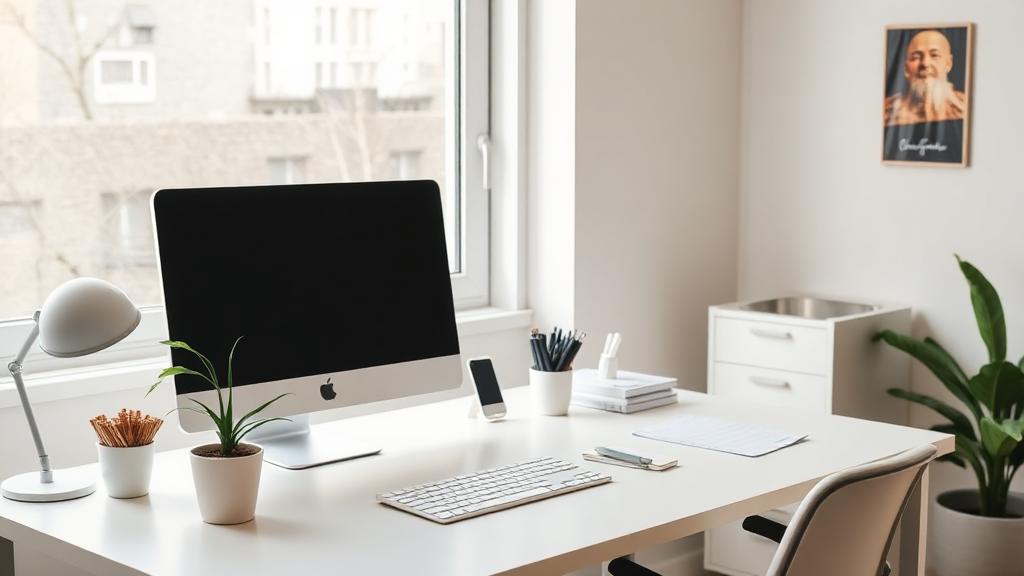
Working from home has become the norm for many Milwaukee professionals, but home offices collect dust, clutter, and distractions just like any other room. A clean, organized workspace makes it easier to focus.
Why a Clean Home Office Matters
- Reduced visual distractions = better focus
- Clean air (less dust) = fewer headaches and allergies
- Organized space = faster task completion
- Professional background for video calls
- Clear boundaries between work and home life
Weekly Home Office Cleaning Routine
- Clear desk of papers and unnecessary items
- Wipe desk surface with appropriate cleaner
- Dust monitor, lamp, and decor
- Empty trash and recycling
- Vacuum or sweep floor
- Wipe door handles and light switches
Cleaning Electronics Safely
Computer Monitor/Screen
- Turn off and unplug monitor
- Use a dry microfiber cloth to remove dust
- For smudges, slightly dampen cloth with water only
- Never spray liquid directly on screens
- Avoid paper towels (they scratch!)
Keyboard
Keyboards and phones collect grime fast. Turn it upside down and shake out debris. Use compressed air between keys. Wipe keycaps with a lightly dampened cloth or cleaning wipe (not dripping wet). For deep cleaning, remove keycaps if possible.
Pro Tip: Keep a small keyboard brush or compressed air can at your desk. A quick 30-second cleaning after lunch prevents buildup.
Mouse and Mousepad
- Wipe mouse with a cleaning wipe
- Clean optical sensor with cotton swab
- Wash fabric mousepads with mild soap and water
- Hard mousepads can be wiped clean
Desk Phone/Headset
Phones and headsets touch your face all day. Wipe them down regularly. Clean ear cushions on headsets monthly. Replace cushions when they become worn or hold odors.
Cable Management
Tangled cables aren't just ugly—they collect dust and make cleaning difficult. Solutions include:
- Cable clips or channels along desk edges
- Cable sleeves to bundle multiple wires
- Wireless peripherals where possible
- Cable trays under the desk
- Labeling cables for easy identification
Desk Organization Systems
An organized desk is easier to keep clean:
- Desktop organizers for pens, scissors, supplies
- File sorter or inbox tray for papers
- Drawer dividers for small items
- Closed storage for items you don't need daily
- Vertical storage to maximize desk space
Monthly Deep Clean Checklist
- Dust all surfaces including tops of bookcases
- Vacuum upholstered chair (or clean per material)
- Wipe down chair arms and base
- Deep clean keyboard
- Dust all electronics thoroughly
- Clean windows and blinds
- Dust ceiling fan/light fixture
- Vacuum under and behind desk
- Wipe baseboards
- Organize/purge files and papers
Creating Zones for Productivity
Organize your office into functional zones:
- Work zone: Computer, primary tools, frequently-used items only
- Reference zone: Files, books, and resources you occasionally need
- Storage zone: Supplies, archives, equipment you rarely use
- Clear space: Keep at least 1/3 of your desk surface empty
Pro Tip: At the end of each workday, spend 5 minutes resetting your desk. Return items to their places, clear dishes and trash, and set up for tomorrow. Starting the day with a clean desk sets a productive tone.
Ready to hand off the cleaning?
Family-operated, New Berlin-based and fully insured. The instant estimate shows a price range as you answer.
Get Instant Estimate